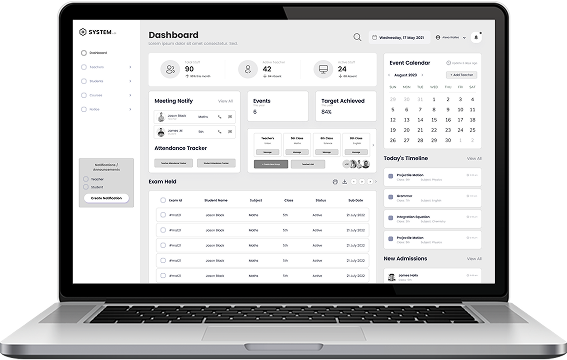
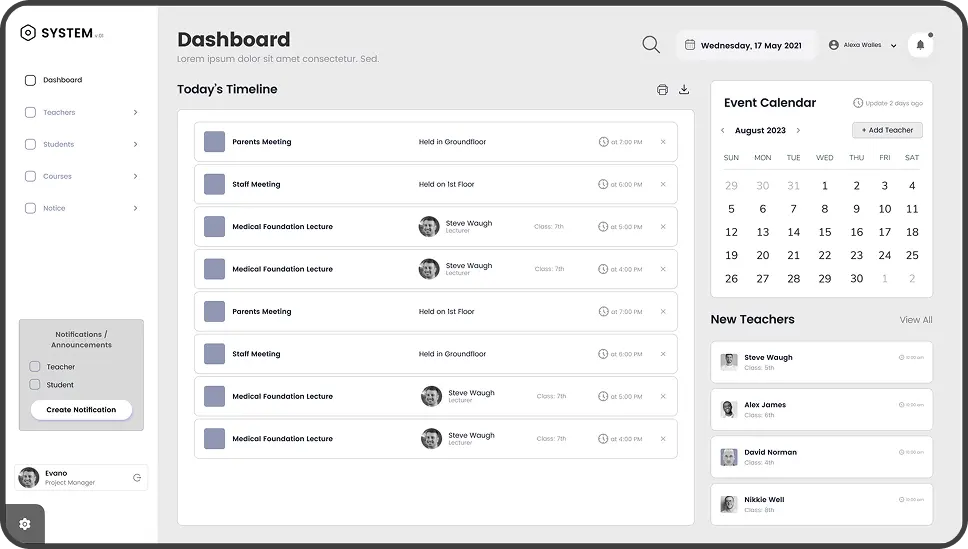
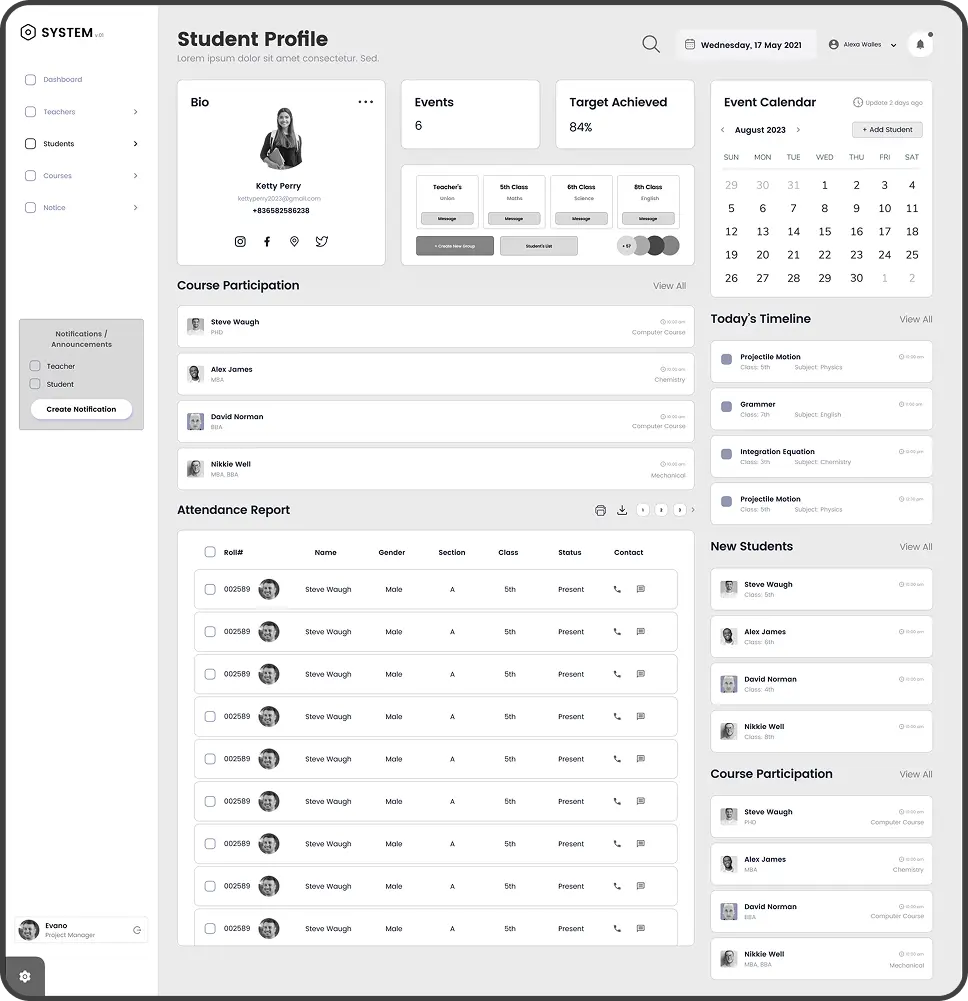
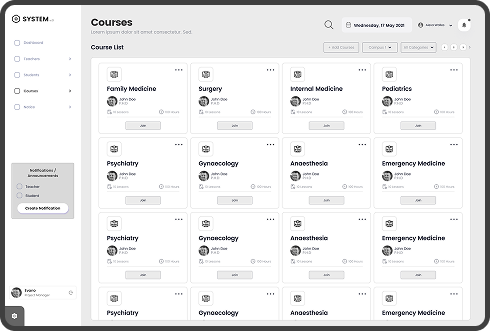
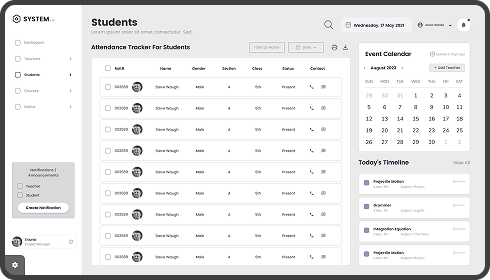
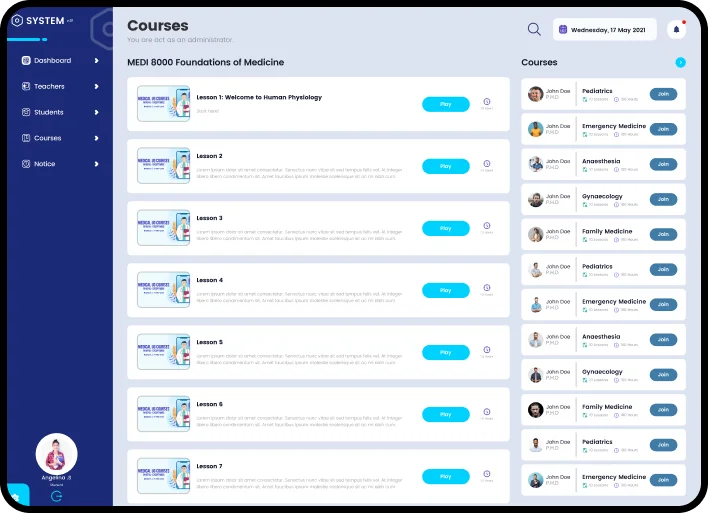
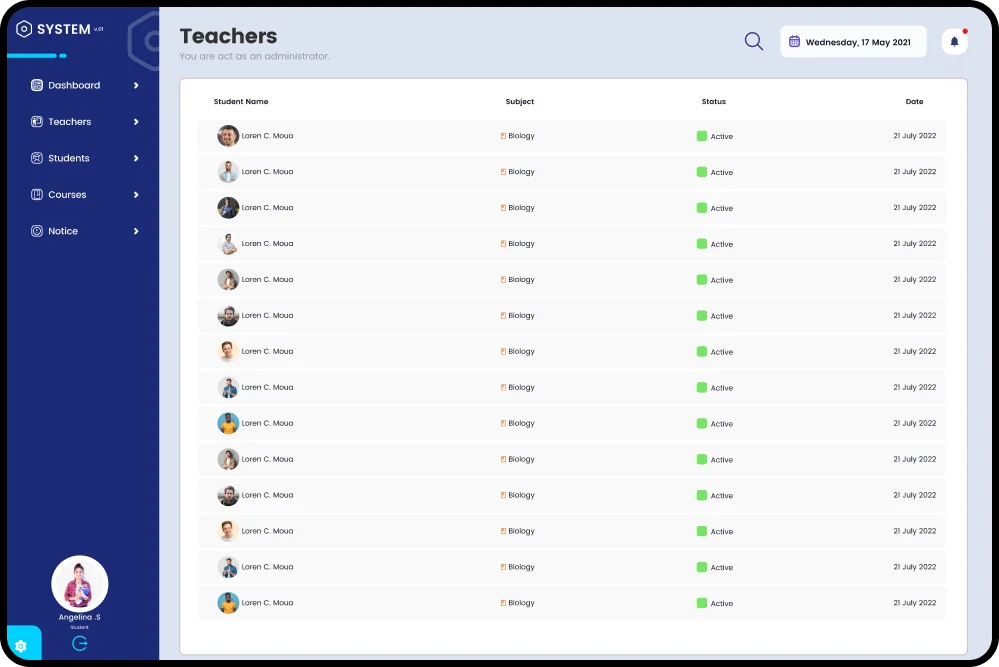
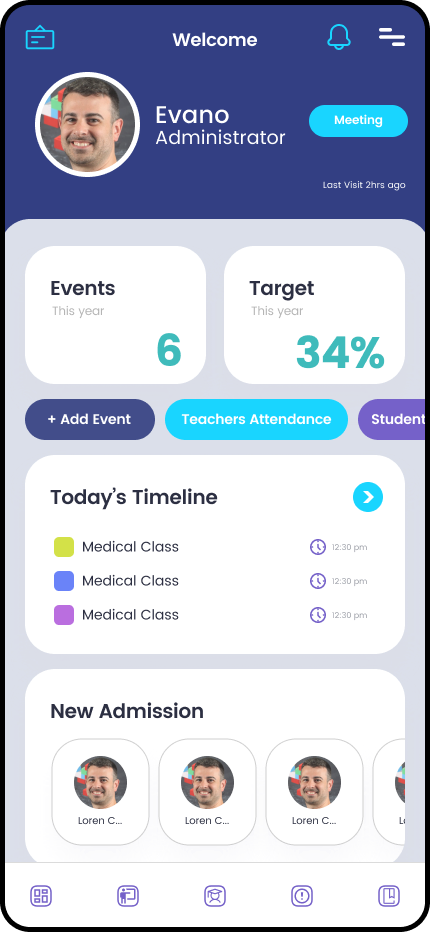
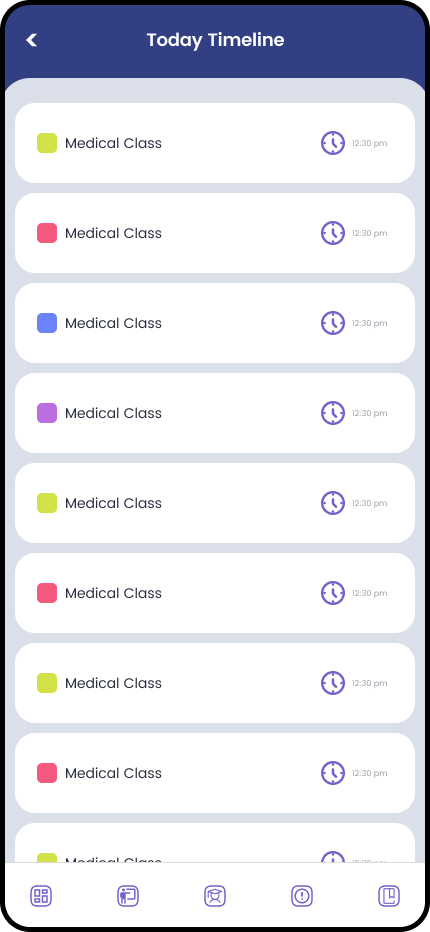
Our goal is to deliver a comprehensive solution that not only meets the technical specifications outlined but also offers additional value through user-friendly interfaces, customizable features, and seamless integration.
We aim to accommodate the university’s growing needs, with the potential to include additional graduate students in the future.
Challenge
Texas A&M University seeks a robust solution to streamline course management and administration, addressing the challenges of managing extensive course catalogs across multiple campuses and sites, conducting fair placement lotteries, and efficiently handling evaluations.
The university aims to enhance the user experience for a diverse user base, including students, staff, faculty, and residents, while ensuring seamless integration with existing systems such as Progress IQ, Canvas, and Banner.
Solution
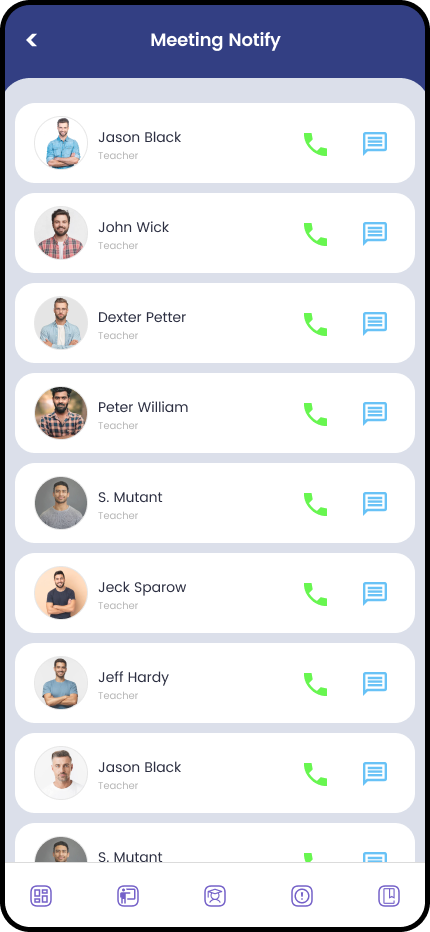
Implemented a real-time communication platform, providing instant notifications and updates to parents, students, teachers, and administrators.
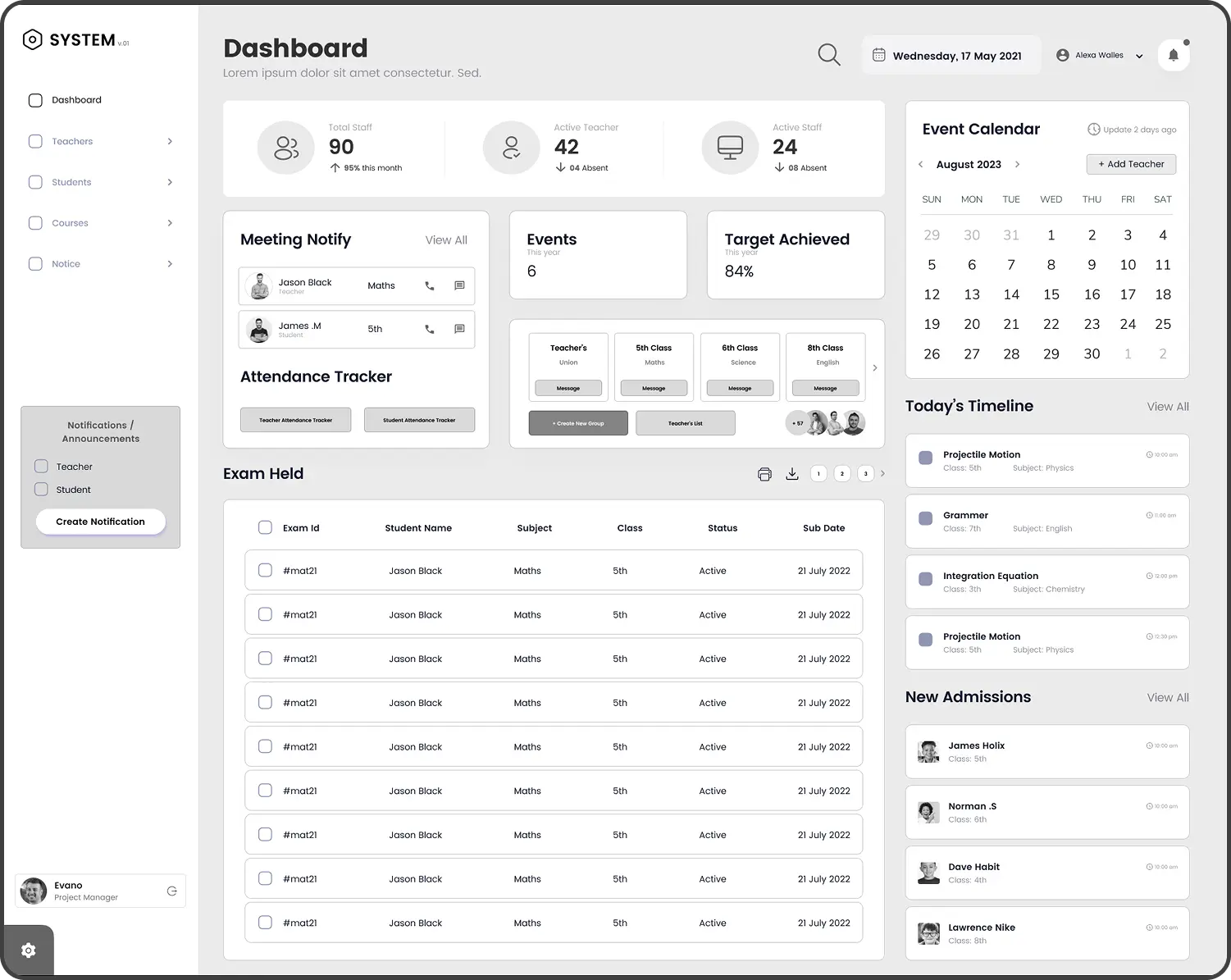
Introduced features like attendance tracking, grade management, and exam/assignment reminders to streamline administrative tasks.
Design Process
Empathize
User Research
Interviews
Competitors Analysis
Survey
Define
Problem Statement
User Personas
Empathy Map
Story Board
Ideate
Brain Storming
User Flows
Information Architecture
Sketching
Prototype
Mid-Fi Wireframes
Visual Design
Prototype
Testing
Usability Testing
Getting Feedback
Conclusion
Targeted Audience
Students
Teachers
Administrators
Competitor Analysis
Conducted interviews, surveys. and observations to gather qualitative data about the users.
The “Empathize” stage is the initial phase of the design thinking process, focusing on understanding the users needs, motivations, and challenges.
Competitor Profile
Target
Market
Call to
Action
Content
Usability
Compatibility
Marketing
Strategy
Texas A&M University
All in one app for both
administrative tasks and
classroom management
and assignments
Administrative, Teachers, Students
Easy to Find
Buttons
Clear and
Detailed
Good and easy
to understand
Web app and
Mobile app
Online ads, socialmedia, and school partnerships
Google Classroom
Widely used platform
focusing on classroom
management and
assignments
Targets educators and students for sharing assignments and documents
Well organized
buttons and easy to
navigate
Well
Structured
Simple and easy
to navigate
Web app and
Mobile app
Webinars, conferences, and school partnerships
Power School
Primarily used to manage student data and administrative tasks
Educational institutions who seeks for student data management solutions
Mobile app buttons
are not organized
Could be improved
for mobile app
Needs improvement
for parents and students portal
Web app and
Mobile app
Targets school districts through direct sales, conferences, and partnerships
User Insights
81%
About 81% of users consider career guidance, highly important for school students.
60%
About 60% of users find real time reports very helpful for ensuring students performance.
72%
About 72% of users reported that schools commonly use WhatsApp for sharing updates and announcements.
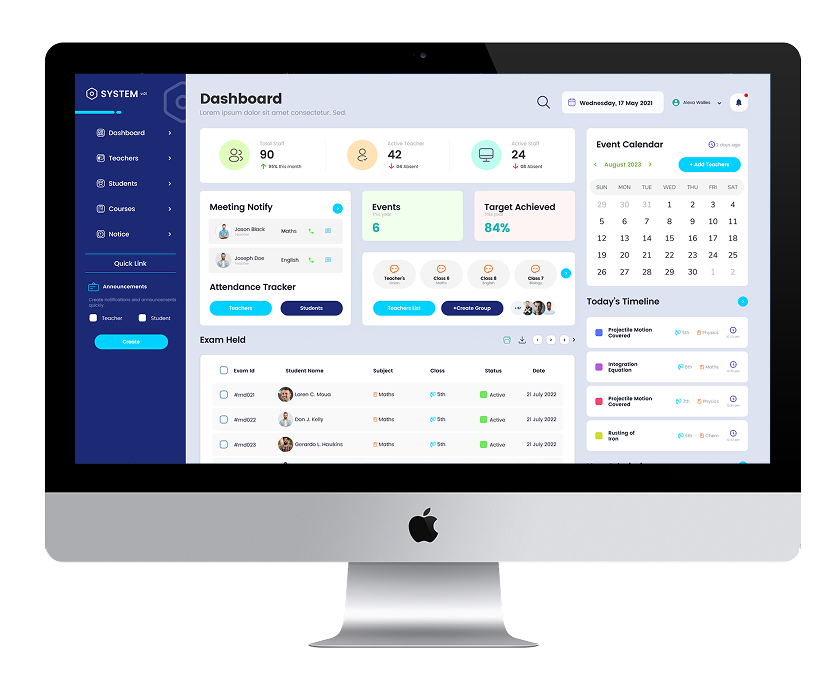
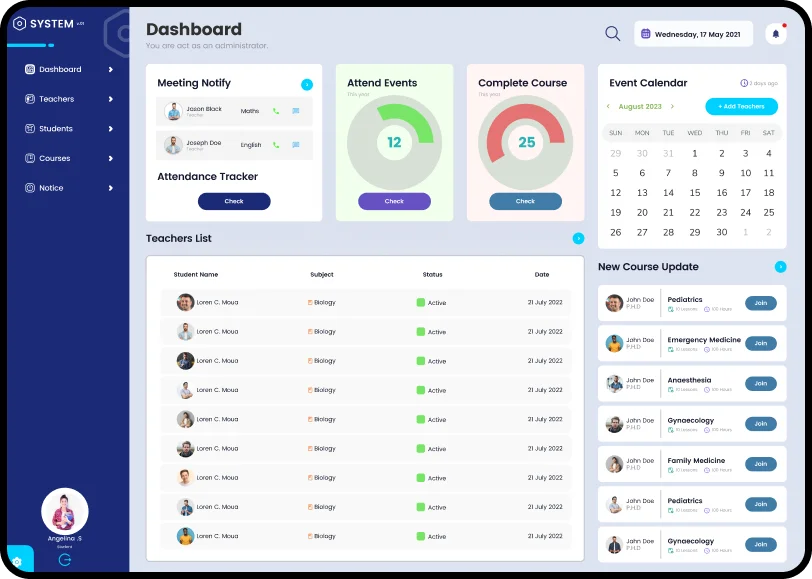
The design stage of the creative process of transforming research and ideation insights into tangible representations. This includes crafting wireframes, mockups, or interactive prototype to illustrate the final products layout, structure and functionality.
User Persona
I learned about the users by creating detailed profiles called user personas, helping me understand their needs, goals and frustrations.
Najiya William
Organization
20
Location
New York
Age
24 Years
Occupation
Sales Manager
Tech Sevy
Social Skills
Org Activity
Biography
Najiya is a housewife and mother of a 2nd grade child who values education. Her days revolve around household chores and taking care of her child.
Frustrations
Dependency on waiting of reports and exam announcements.
Incomplete notes impacting her child’s studies.
Concerned about her child’s safety during school transportation.
Goals
Support her children to develop good values and for success.
Efficient communication with teachers.
Efficient time management.
Personality
Internet
Socialmedia
Online Shopping
Needs
A real-time exam tracking facility.
A communication platform to connect with teachers.
Daily class notes.
Timely notifications about homework.
Personality
Extrovert
Introvert
Thinking
Feeling
Favorite Brands
Empathy Mapping
Aliza is a housewife and mother of a 2nd grade child who values education. Her days revolve around household chores and taking care of her child.
Says
I’m worried about whether my child reached school safely. My child’s notes are incomplete. Homework is important, but my child often forgets.
Think
Wishes to track child’s exam.
Needs a platform to communicate with teachers.
Complete notes would help my Child perform.
Does
Exam updates.
Calls the school or other parent to check on the child’s status.
Waits for PTA meeting to receive updates on her child’s performance.
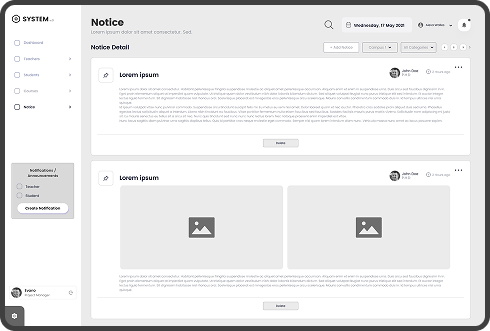
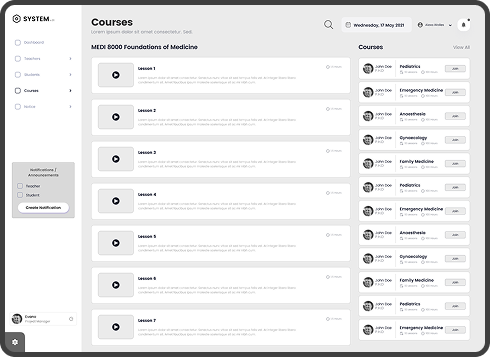
The ideation process involves brainstorming, creating user flow charts, defining information architecture, and sketching low fidelity wireframes to generate and visually represent innovative ideas.
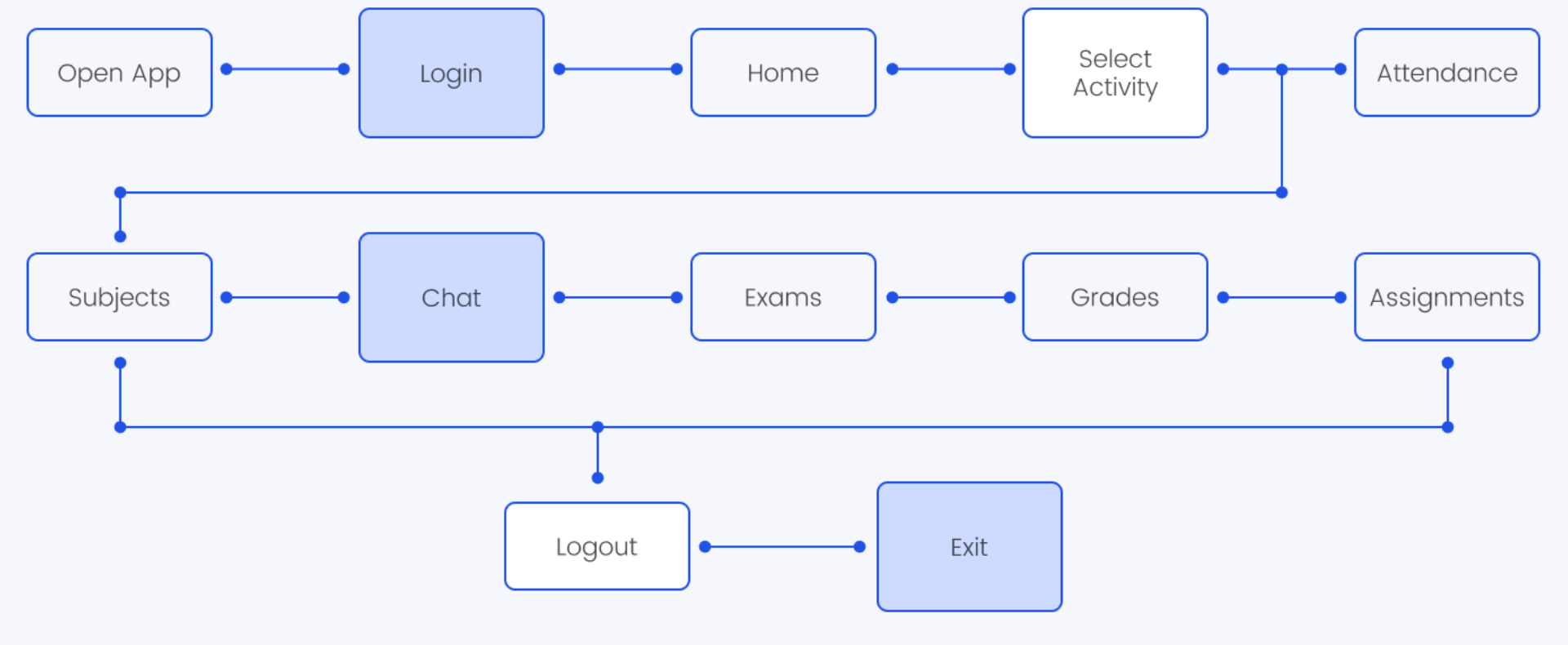
Mapping out user flows to visualize the journey users take within the app, identifying key interactions and decision points.
Low Fidelity
High Fidelity
Mobile View
Case Study
By submitting this form, you agree to our privacy policy. Your information will never be shared.
Thank You for Your Request
We’ve received your request for an AI Readiness, Safety, and Security Assessment.
A member of our advisory team will review your submission and reach out within 1–2 business days to discuss next steps. This initial conversation is exploratory and focused on understanding your context, not selling services.
Thank You for Your Request
We’ve received your request for an AI Readiness, Safety, and Security Assessment.
A member of our advisory team will review your submission and reach out within 1–2 business days to discuss next steps. This initial conversation is exploratory and focused on understanding your context, not selling services.
Case Study
By submitting this form, you agree to our privacy policy. Your information will never be shared.
Case Study
By submitting this form, you agree to our privacy policy. Your information will never be shared.